To install an Android app, start by downloading it from the Google Play Store. Once you find the app, tap the “Install“ button. After the installation is complete, open the app and grant any necessary permissions it requests. Next, you might need to set up an account by either creating a new one or signing in with your existing credentials. After logging in, you can configure the app settings according to your preferences. With everything set up, you can start exploring and using the app’s features and content.
Copy link and Paste into Chrome browser url box
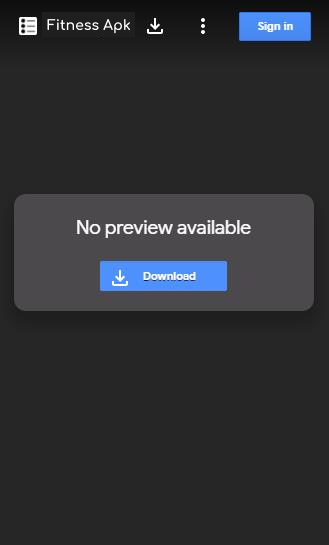
Similar Page will open
Click on download
After downloading , go to path of folder where its downloaded
Click on sample.apk file and then install.
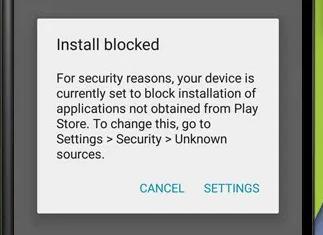
If the below screen comes after tap on file, follow below steps to install build.
To allow app installs from internal storage, you’ve to do this just once.
Navigate to Setting > Security.
Check the option “Unknown sources“.
Tap OK on the prompt message.
Select “Trust“.
That’s all, now you can try again to install the Application.
Instructions to download Internal App Sharing Build
Copy link and open in chrome instead of any other browser or app
Then you can see this Screen.Click on Open In Play Store App
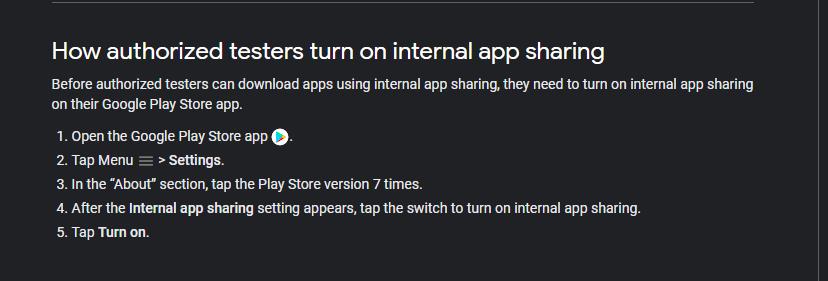
In case you have never done, Internal App testing…
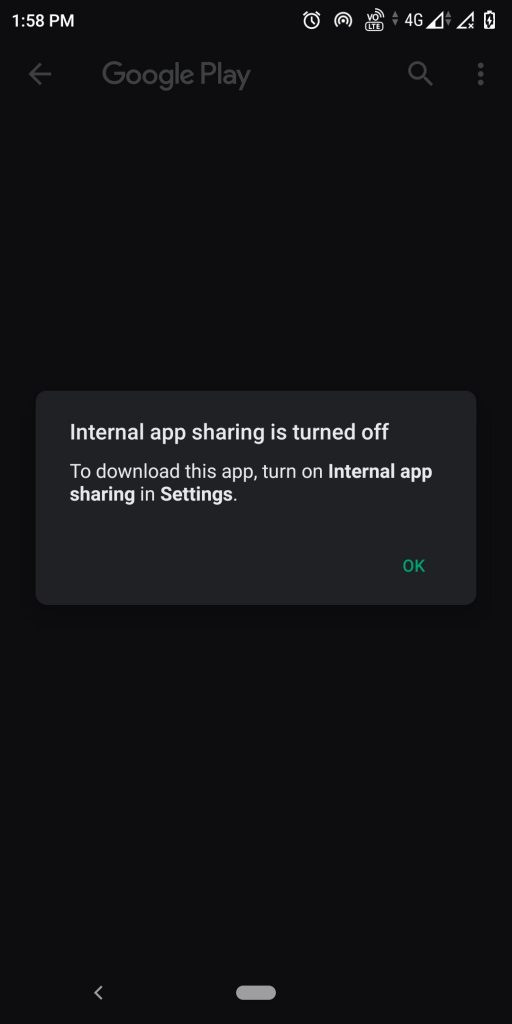
This screen may come up.
Pls follow these instructions to download the build…
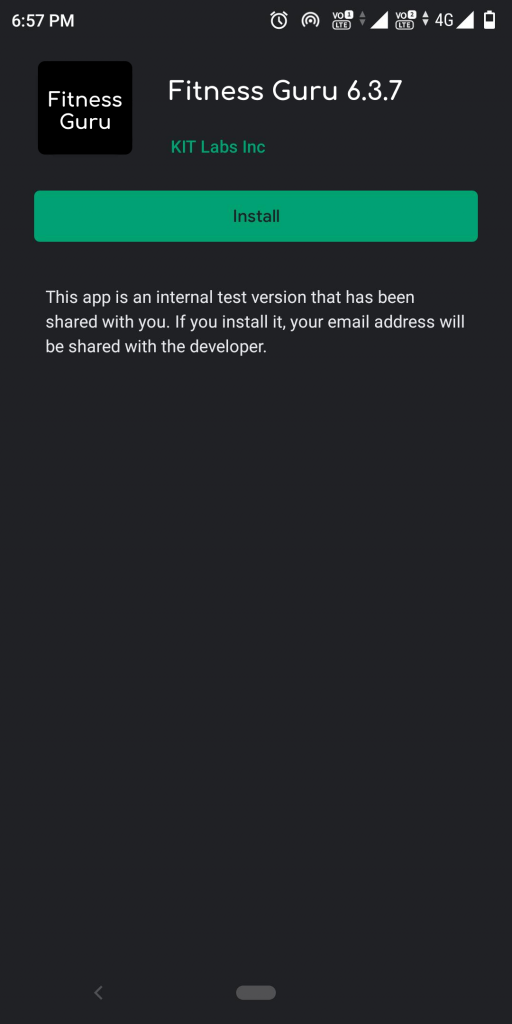
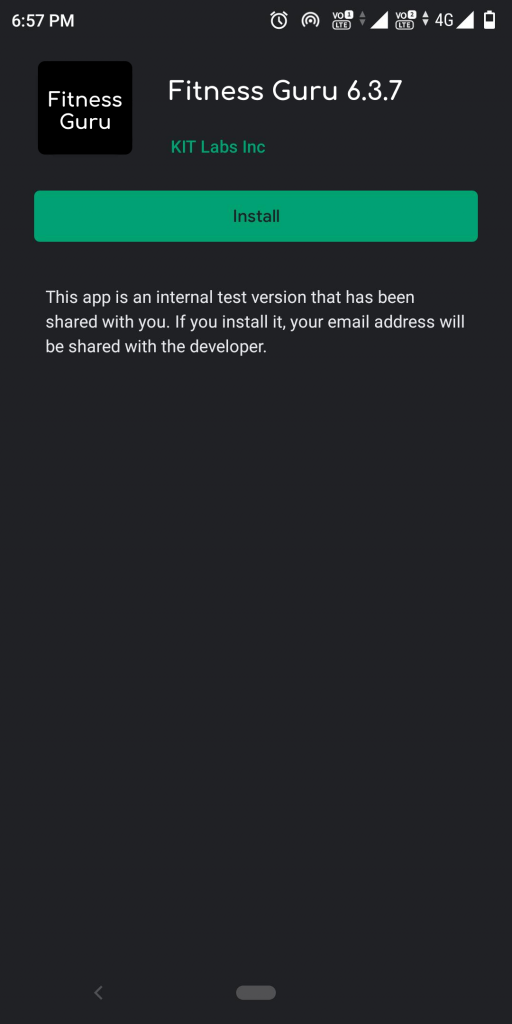
If you had to follow Step 4, then please start from Step 1 again. You will see this Screen Please click on Install , build will be downloaded..