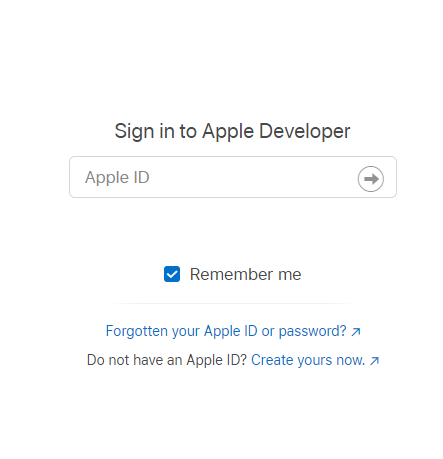
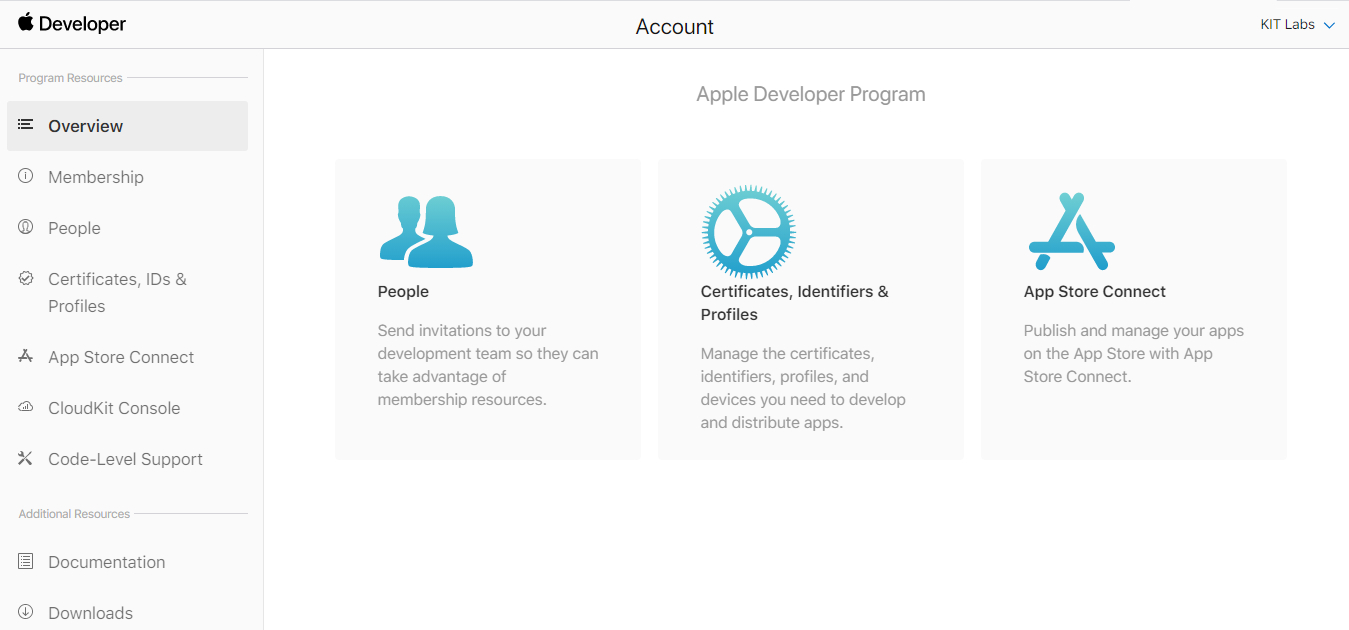
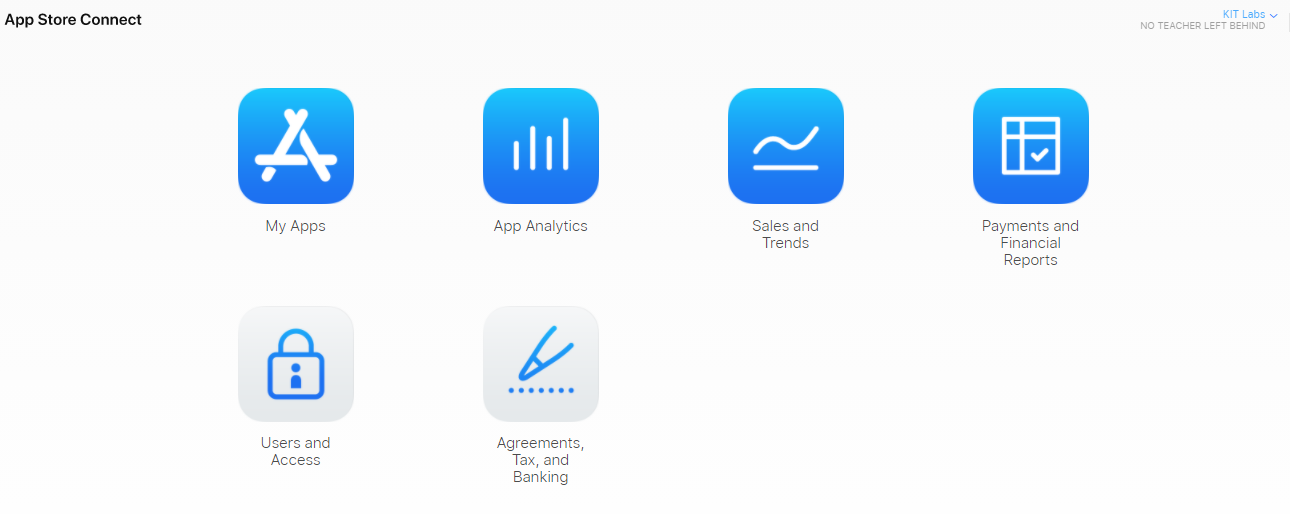
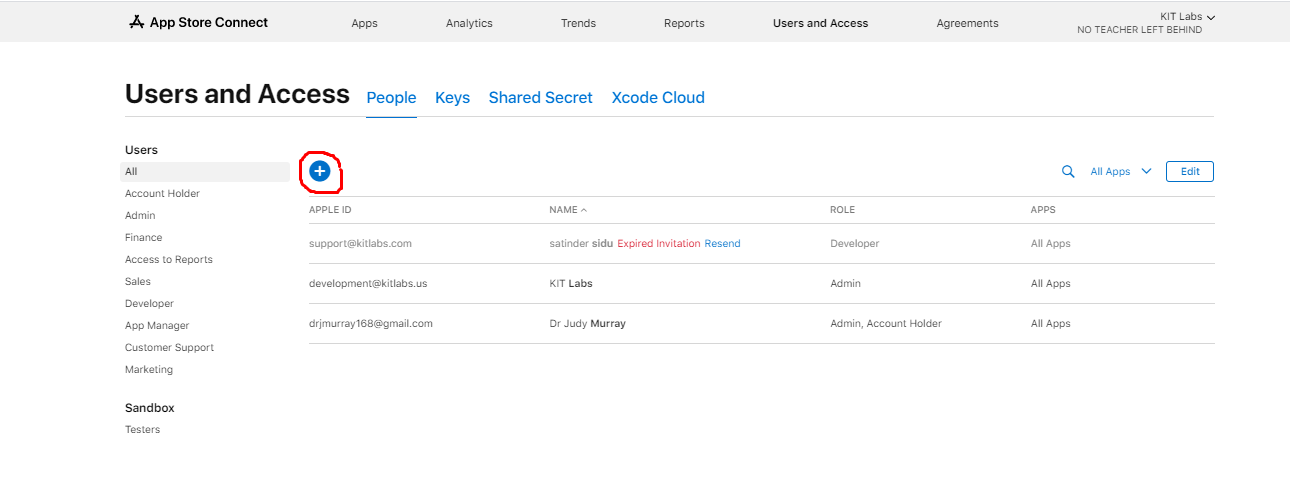
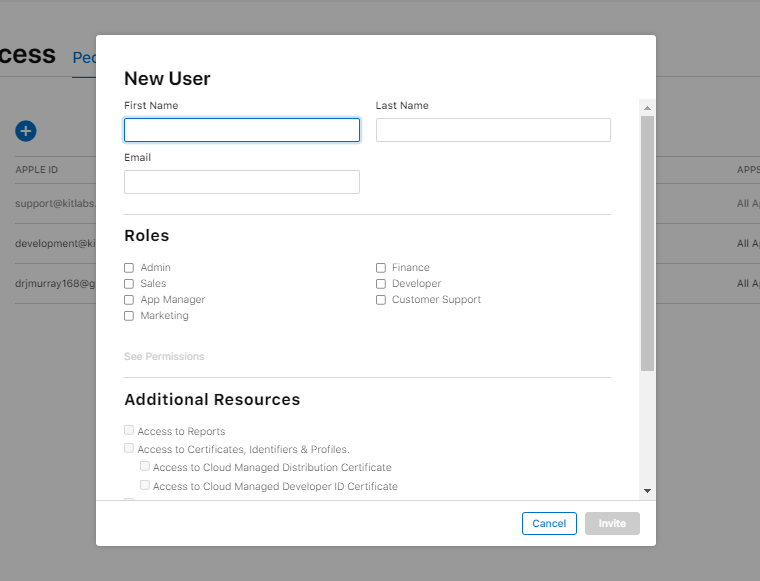
To accept an Apple account invitation, begin by opening the invitation email you received. Click on the link provided in the email to navigate to the Apple ID account page. Sign in using your existing Apple ID or create a new one if you don’t have an account. After signing in, follow the on-screen instructions to accept the invitation and join the shared account or service. Once accepted, you can start accessing the shared features and services associated with the invitation.